
This content originally appeared on Bits and Pieces - Medium and was authored by Pankod
refine is a React-based framework for building data-intensive applications in no time

What is refine?
refine is a React-based framework for building data-intensive applications in no time ✨ It ships with Ant Design System, an enterprise-level UI toolkit.
Refine offers lots of out-of-the-box functionality for rapid development, without compromising extreme customizability. Use-cases include, but are not limited to admin panels, B2B applications, and dashboards.
Your API is supported, out of the box! Connects to any REST or GraphQL custom backend.
Built-in support for
NestJs CRUD, Airtable, Strapi, Strapi GraphQL, Supabase, and Altogic.
Motivation
Higher-level frontend frameworks can save you a lot of time, but they typically offer you a trade-off between speed and flexibility.
After many years of experience in developing B2B frontend applications and working with popular frameworks, we came up with a new approach to tackle this dilemma. This is how refine is born.
Refine is a collection of helper hooks, components and providers. They are all decoupled from your UI components and business logic, so they never keep you from customizing your UI or coding your own flow.
As refine is totally unopinionated about UI and logic, it’s strongly opinionated about three parts of your application:
- API Networking
- State Management
- Authentication & Authorization
We believe, these are the most important components of a data-intensive frontend application and should be handled in a robust way by leveraging industry best practices.
refine guarantees you a perfect implementation of these building blocks in your project, so you can focus on your development.
Architecture
refine makes extensive use of hooks as a default way for interacting with your components. Under the hood, refine relies heavily on to React Query for data handling, caching, and state management. Access to external sources and APIs happen via providers which are basically plug-in-type components for extendibility.
Key features
⚙️ Zero-configuration: One-line setup with superplate. It takes less than a minute to start a project.
📦 Out-of-the-box: Routing, networking, authentication, state management, i18n, and UI.
🔌 Backend Agnostic: Connects to any custom backend. Built-in support for REST API, Strapi, NestJs CRUD, Airtable, Supabase, and Altogic.
📝 Native Typescript Core: You can always opt-out for plain Javascript.
🔘 Decoupled UI: UI components are exposed directly without encapsulation. You have full control over UI elements.
🐜 Powerful Default UI: Works seamlessly with integrated Ant Design System. (Support for multiple UI frameworks is on the Roadmap)
📝 Boilerplate-free Code: Keeps your codebase clean and readable.
Quick Start
Run the superplate tool with the following command:
$ npx superplate-cli tutorial
Follow the CLI wizard to select options and start creating your project.
After setup is complete, navigate to the project folder and start your project with:
$ npm run dev
Your refine application will be accessible at http://localhost:3000.
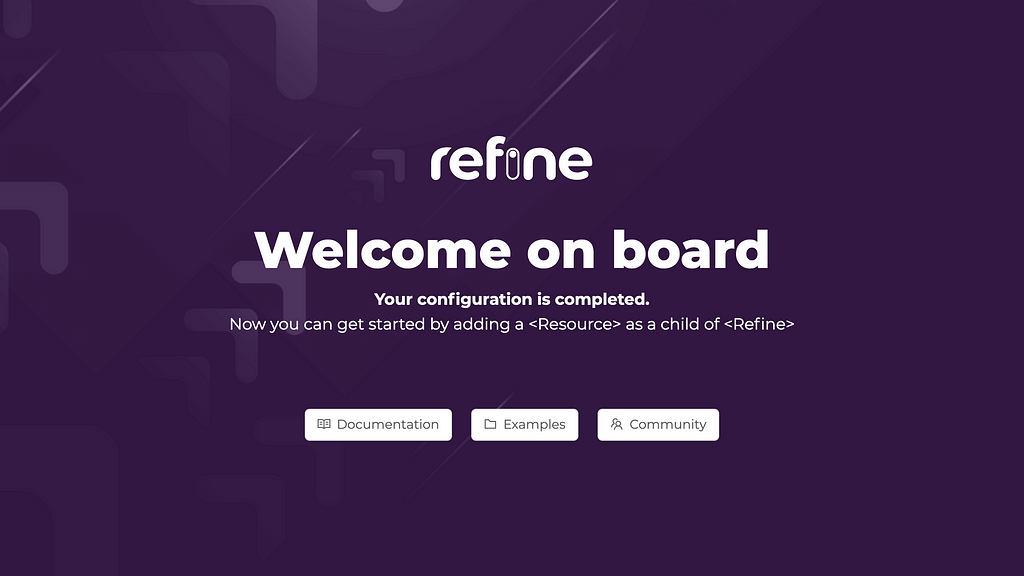
Check out refine tutorial for more detail!
Build better Component Libs and Design Systems
Share components across teams and projects to speed up development and make sure your users experience a consistent design at every touchpoint.
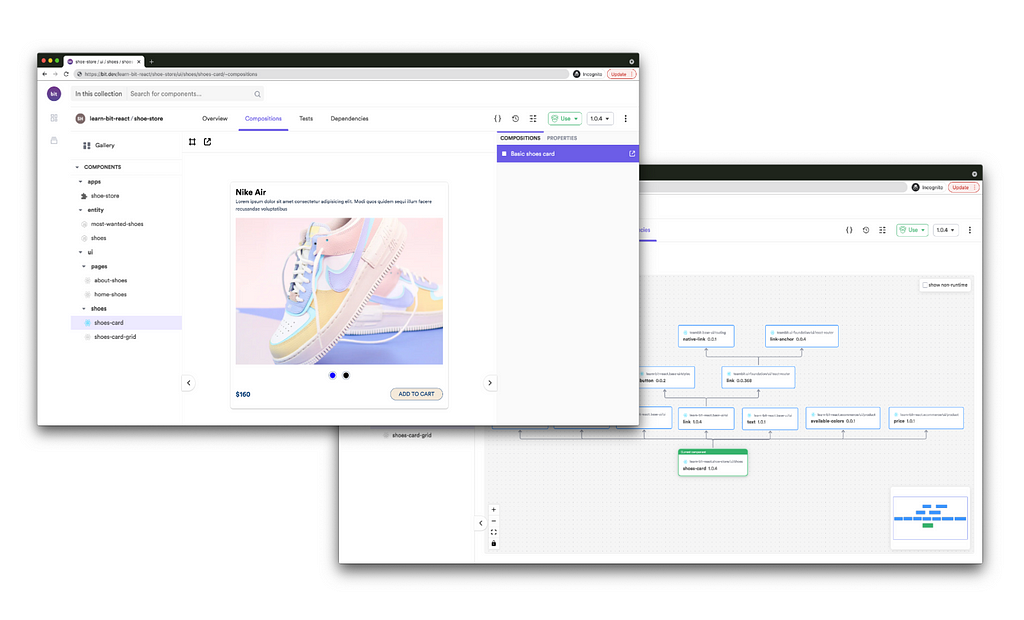
OSS Tools like Bit offer a great dev experience for building, sharing, and adopting components across teams and applications. Create a component hub for free give it a try →
Using Refine to Build an Admin Panel was originally published in Bits and Pieces on Medium, where people are continuing the conversation by highlighting and responding to this story.
This content originally appeared on Bits and Pieces - Medium and was authored by Pankod

Pankod | Sciencx (2021-10-11T15:23:42+00:00) Using Refine to Build an Admin Panel. Retrieved from https://www.scien.cx/2021/10/11/using-refine-to-build-an-admin-panel/
Please log in to upload a file.
There are no updates yet.
Click the Upload button above to add an update.