
This content originally appeared on DEV Community and was authored by Hiro Takkii
I am developing a notepad application by personal development. In the process, I needed to create a chrome extension.
So in this post, I want to introduce the way to develop a simple chrome extension.
Result
In this case, the extension shows an alert message when you visit *.google.com.
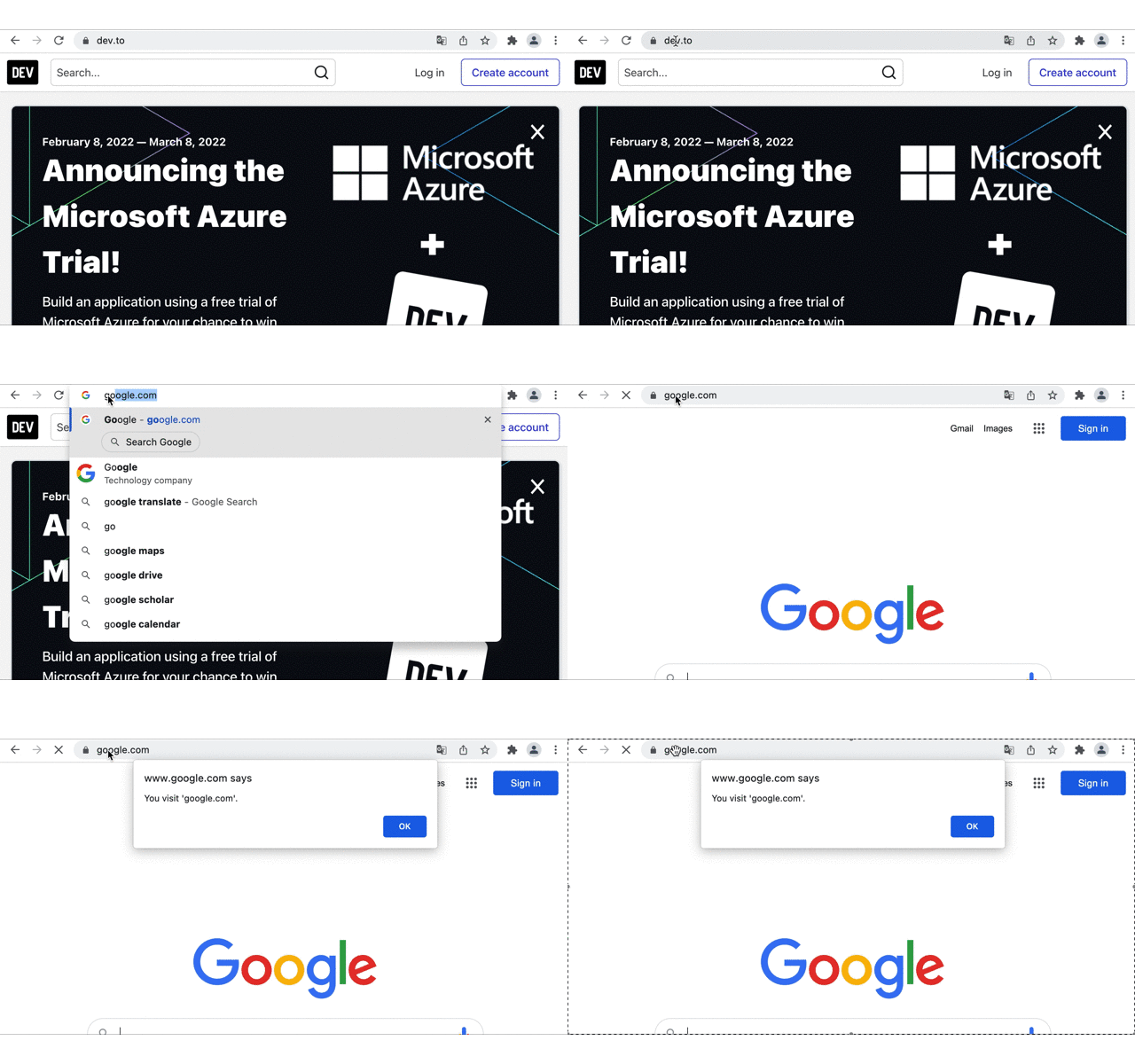
The codes are Here.
What you need
You have to create only two files; manifest.json and show_alert.js.
manifest.json
Every extension needs manifest.json, which provides essential information. (ref )This time the content of it is as follows.
{
  "name": "Alert Sample",
  "description": "Chrome Extension Alert Sample",
  "version": "1.0.0",
  "manifest_version": 3,
  "content_scripts": [
    {
      "matches": ["*://*.google.com/*"],
      "js": ["show_alert.js"]
    }
  ]
}
manifest_version must be set to 2 or 3 now. (ref)
When you want to automatically run a script on some site, it is good to use content_scripts. (ref)
You can specify sites by matches consisting of scheme, host, and path. (ref)
Injected scripts into matching pages can be specified by js.
I omitted it this time, but other settings such as extension icon settings are also available in manifest.json.
show_alert.js
This contains a simple alert script like this.
window.alert("You visit 'google.com'.");
How to load the extension
After you create manifest.json and show_alert.js, you can load it in your chrome browser.
- Visit
chrome://extensions/and pushLoad unpackedbutton (if it does not show, you have to turn onDeveloper mode).

Select the directory contains two files.
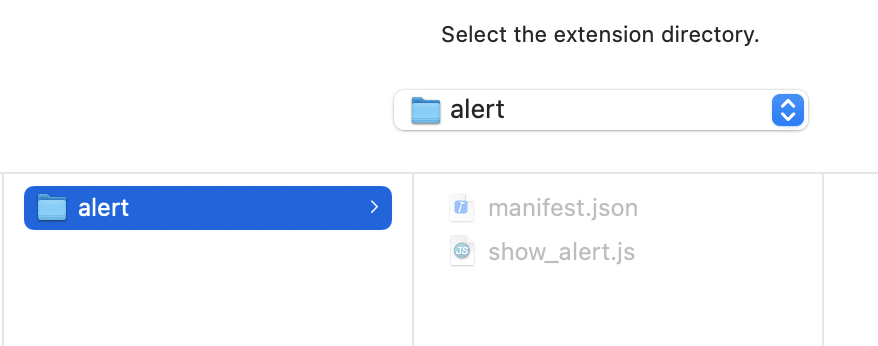
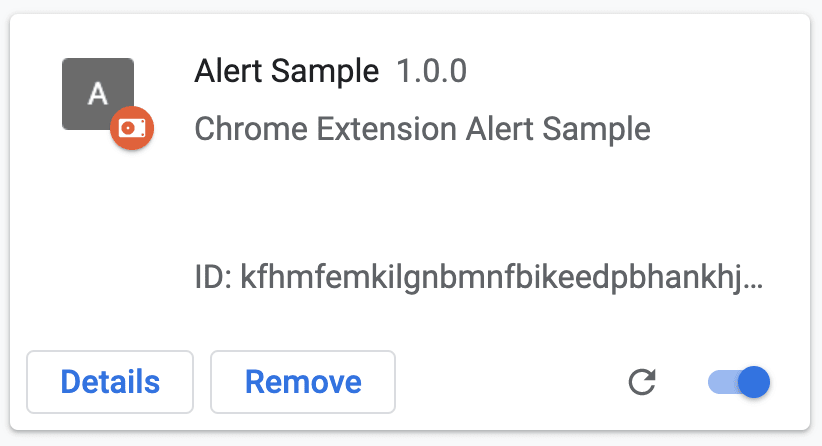
After that, alert Sample is displayed in Extensions.
- When you visit
"*://*.google.com/*"an alert message is displayed.

Summary
I introduced the way to create a simple chrome extension.
I'd like to explain a little more complicated processing in the future.
Thanks.
Reference
Japanese: Chrome拡張の作り方 (超概要)
This content originally appeared on DEV Community and was authored by Hiro Takkii

Hiro Takkii | Sciencx (2022-02-10T06:51:51+00:00) How to create simple chrome extension. Retrieved from https://www.scien.cx/2022/02/10/how-to-create-simple-chrome-extension/
Please log in to upload a file.
There are no updates yet.
Click the Upload button above to add an update.