
This content originally appeared on Geoff Graham and was authored by Geoff Graham
I learned about this Boolean JavaScript property from today’s Web Tools Weekly newsletter (which you should definitely subscribe to). Louis Lazaris offers this example:
let myImage = document.querySelector('#myImage');

// will display true or false
console.log(myImage.complete);
That’s a simple test that returns true or false based on whether the image has completed rendering. That sounds like a fantastic use case for something like displaying a placeholder image or element while the image is loading. Images often loading pretty quickly, though, so it would be less of a visual enhancement than perhaps a way to avoid nasty content jumps as images load.
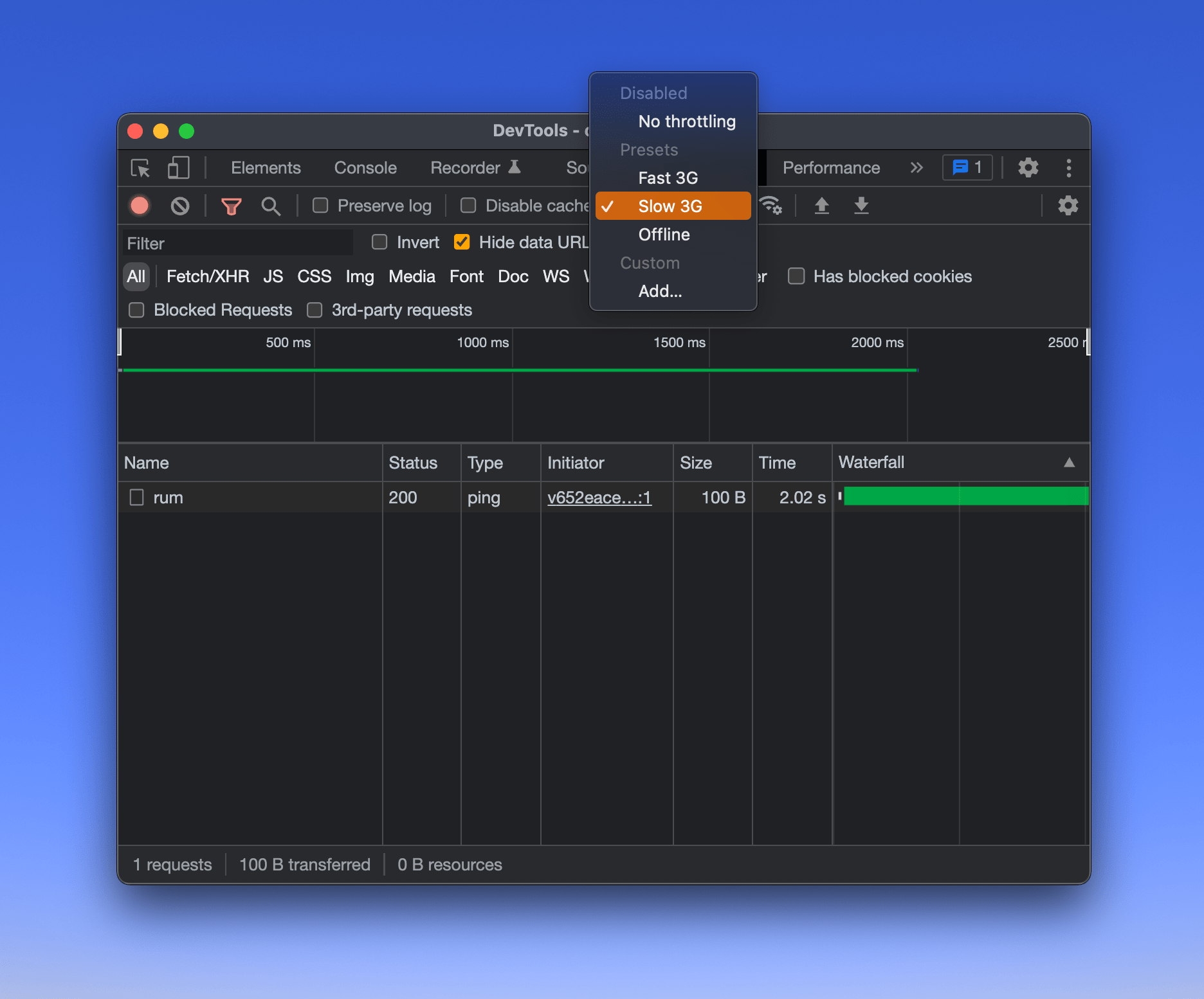
Then again, there are already ways to combat content jumps and layout shifts. And we’re talking about the slowest of slow connections. Louis created a demo over at CodePen and suggests emulating a slower internet connection, say in DevTools.
The post About the HTMLImageElement.complete property appeared first on Geoff Graham.
This content originally appeared on Geoff Graham and was authored by Geoff Graham

Geoff Graham | Sciencx (2022-02-24T17:54:13+00:00) About the HTMLImageElement.complete property. Retrieved from https://www.scien.cx/2022/02/24/about-the-htmlimageelement-complete-property/
Please log in to upload a file.
There are no updates yet.
Click the Upload button above to add an update.