
This content originally appeared on Level Up Coding - Medium and was authored by Thenjiwe kubheka
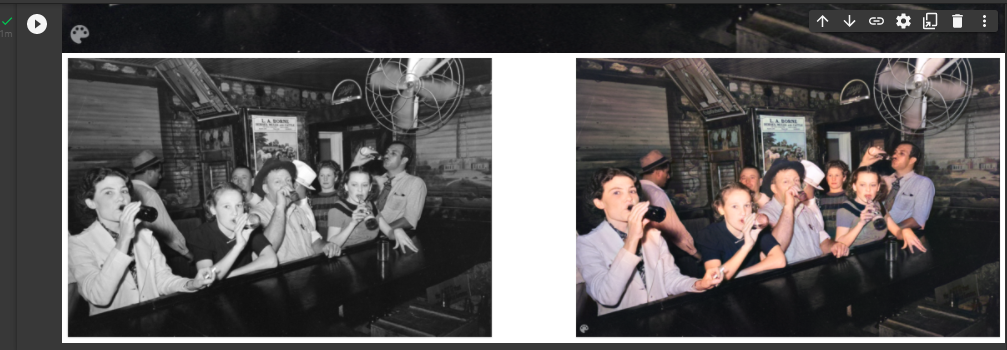
They say a picture tells a thousand words, this should include old pictures. So we need to bring these back to life and we have our AI friend to help with this.
In this article, we will bring back an old image of my stepdad, my uncle, my grandma and a family friend back to life using an AI model called DEOLDIFY.
How Does The Model Work?
First step in this entire process is taking a black and white image(as our input). We then take this black and white image and pass it to the DEOLDIFY model which will recolor the image and our output will be a color image.
The model was trained using NOGAN training, which is still a GAN training. Most GANS have two parts of them which is a generator(which is the bit that goes and creates the image) and a discriminator(which pics out fake from real images. So fake recolored images from real recolored images. So Gen and discriminator are trained in isolation and refers to this as NOGAN.
So we pass a black and which image to the generator and we are able to generate the color equivalent of our image. So we will train again to finetune and find a fine tuned color equivalent.
So the discriminator has a fake color image and a generated color image, the discriminator will learn to predict weather it is a fake or a real color image. So with most GANS we train side by side but with NOGAN we train in isolation.
Now after training in NOGAN(in isolation) they are brought together for fine tuning.
Now lets get started;
We will clone the model from https://github.com/jantic/DeOldify, also bunch of resources from the author, explaining the inner working of the model in detail.
Setup Up Our Development Environment
First we open our terminal and create our folder, then clone our repository
get clone https://github.com/jantic/DeOldify
We can cd into the DEOLDIFY repository and dir, to check;
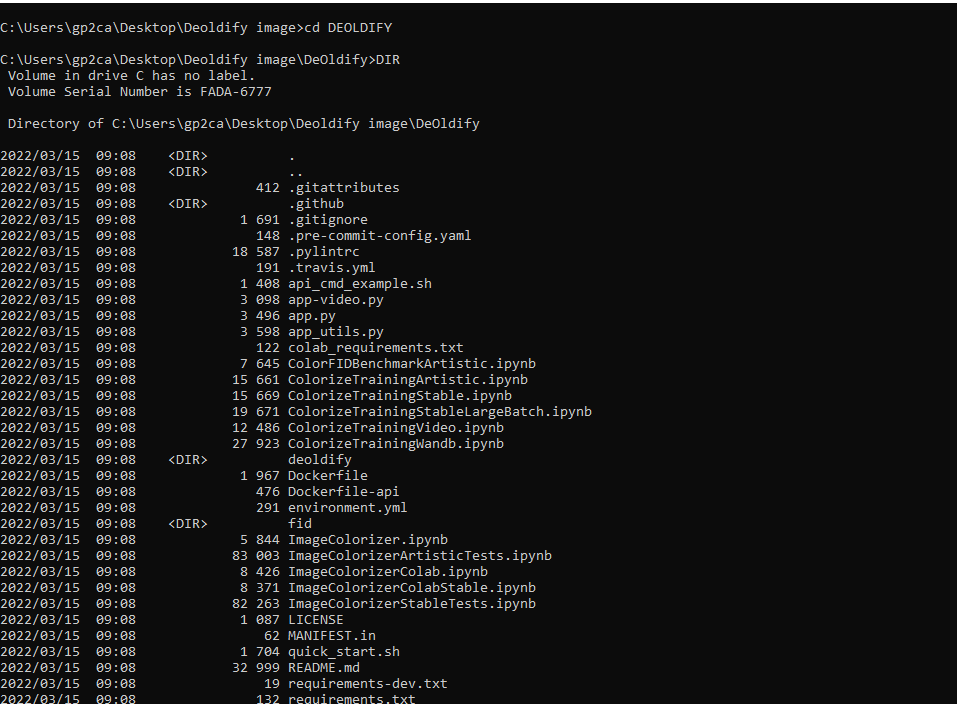
We will now install open CV with the following command
pip install opencv-python==4.4.0.42
Once that is complete we need to install our requirements using the command;
pip install -r requirements.txt
Then we can check our environment by running the command
pip list
Now we want to download the pretrained deep learning model. I have attached the link;https%3A%2F%2Fdata.deepai.org%2Fdeoldify%2FColorizeArtistic_gen.pth
Once the model is done downloading we need to put it inside a folder called models.
So within our folder we will create a new folder models and place our model inside there.
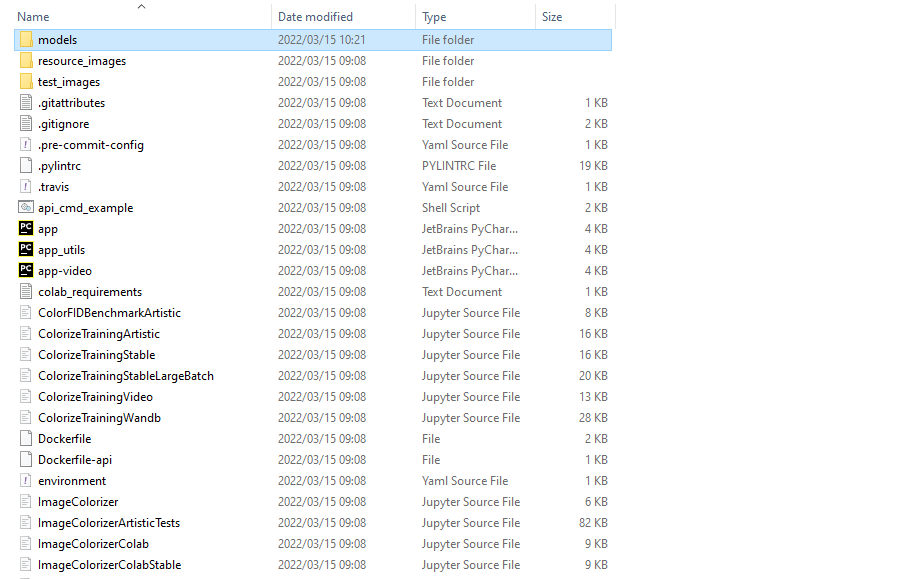
Then we can drag and drop our downloaded model inside there.

Then its tie to fire up our Jupyter Notebook and open up the notebook image colorizer.ipnb
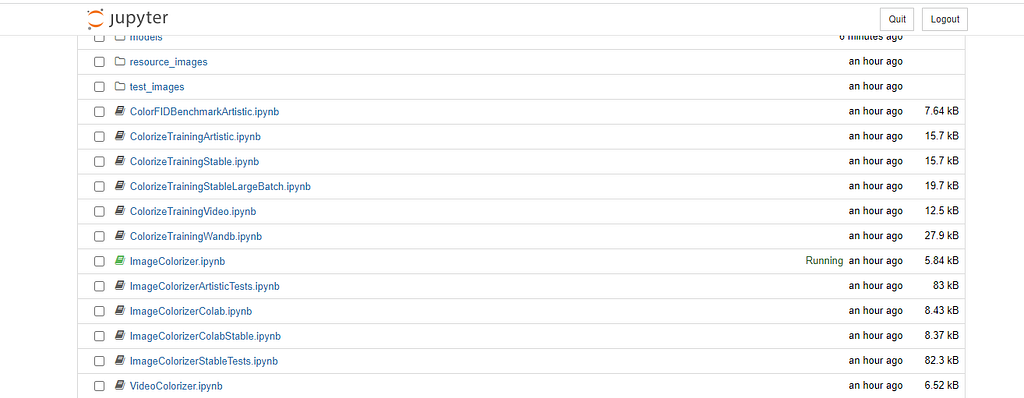
When we open the notebook we will execute the cells. The first cell registers our GPU.

The second cell imports some of the DEOLDIFY libraries or modules and set our torch backend.

The third cell gets the model we downloaded and placed in the models folder.

I will be moving to Google Colab, to guide those that do not have powerful GPU’s.
We will then supply a source black and white image for it to change to color. Assign a render factor, and perform our magic on the image.
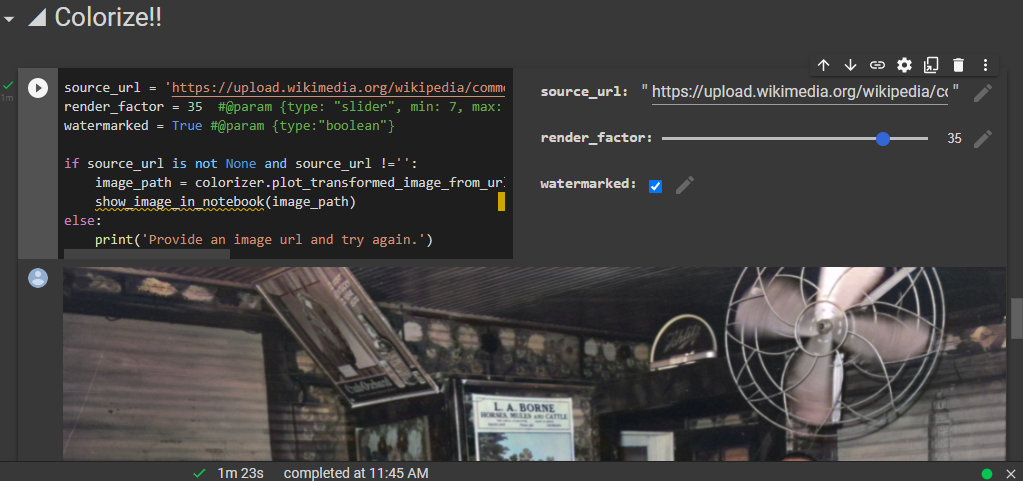
It is important to not that I tried multiple images on both Jupyter notebook and Google Colab and ran into multiple errors. The image must be clear and good resolution.
Finally we want to compare the render factor on the image, we will take the start and finish for comparison purposes.

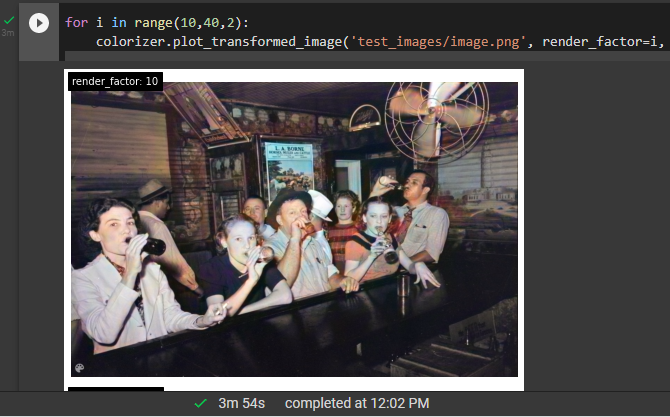
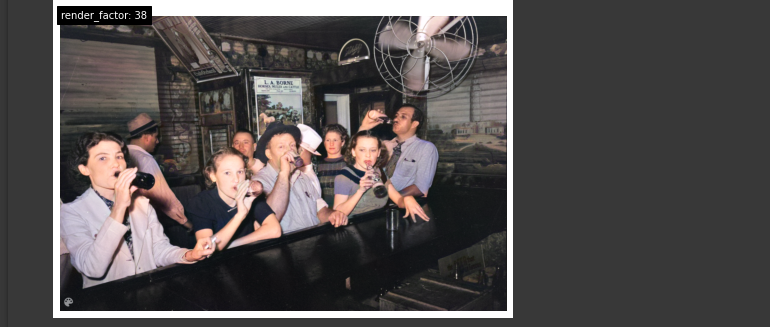
The image with render factor 10 is colored blue and the image with render factor 38 is evenly colored and looks better.
Additional Resources
- GitHub - jantic/DeOldify: A Deep Learning based project for colorizing and restoring old images (and video!)
- Google Colaboratory
Bringing Old Images Back To Life With AI was originally published in Level Up Coding on Medium, where people are continuing the conversation by highlighting and responding to this story.
This content originally appeared on Level Up Coding - Medium and was authored by Thenjiwe kubheka

Thenjiwe kubheka | Sciencx (2022-03-15T13:21:13+00:00) Bringing Old Images Back To Life With AI. Retrieved from https://www.scien.cx/2022/03/15/bringing-old-images-back-to-life-with-ai/
Please log in to upload a file.
There are no updates yet.
Click the Upload button above to add an update.